

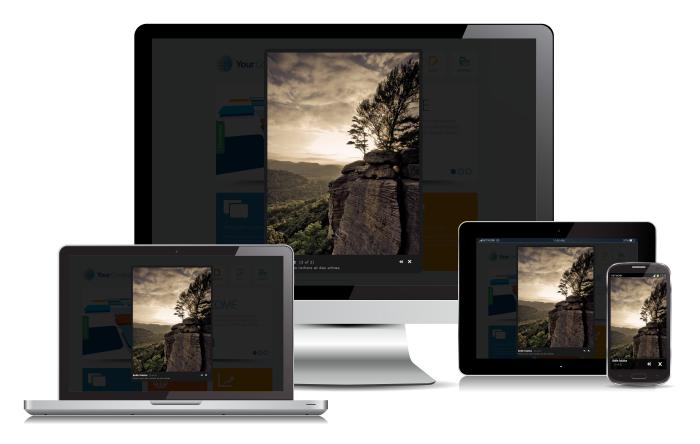
Mediabox CK is a multimedia Joomla lightbox which can be used to show images, videos, flash animations, medias from Facebook, Twitter, Youtube, Daylymotion or some PHP pages in a responsive popup. You can add some title and description, and create some albums.
Responsive and touch reactive
Features
Mediabox CK is a responsive Lightbox that can show any media like your images, videos from your server or from the social network like youtube or else, or any other url or html content.
- Can show any media : images, videos, html
- Responsive behavior : resize the media according the screen size
- Responsive layout : full screen image and bigger buttons to use with your finger
- Designed to work with touch device : swipe to navigate, tap to zoom on the image, use the finder to pan the zoomed image
- Mobile detection based on resolution or device type
- Group your medias into albums to navigate through them
- Easy integration with the editor button (Pro version)
- Autoload images from a folder (Pro version)
- Tags to be used anywhere in your website to create a link (Pro version)
- Can replace any existing Lightbox : you can select which selector to use for your links
- Diaporama feature : see all images from an album automatically with a custom duration between each image
- Compatible with images from Google+
- Zoom option
- Lazy loading of image in gallery mode to improve your SEO
Demo of Mediabox CK
Simple text link
Click the text to show the image
Image with title (you can add some html in the title)

Images gallery - Using HTML code


Images gallery - Using the automatic gallery

Images gallery - Using the automatic gallery and the Image Effect CK
This demo uses a custom labels.txt file in the images folder for the images title and description.
Videos
You can also show the local videos hosted on your server using the formats MP4, WEBM and OGV. All the files must have the same name with each format to be compatible with all systems. You can also put a JPG image with the same name to show if no one of the video files can be played. Example of files to put in your folder :
myvideofile.mp4
myvideofile.ogv
myvideofile.webm
myvideofile.jpg
Audio
You can also show the local audio files hosted on your server using the formats MP3, OGG and AAC.
Docs JoomlaCK : Check how to use the labels for your images
A lightbox for mobiles
Mediabox CK has beed designed to be a responsive Lightbox with support on Touch devices.
Edit the plugin options to set the way the plugin will detect the responsive mode :
- Detection based on resolution : give the resolution in px under which the Lightbox will turn into the mobile layout
- Detection based on the device type : mobile and tablet, or mobile only
You can also choose to deactivate the mobile behavior if you don't want to use it.
Responsive layout designed for mobile
When the Mediabox detects that it must behave for mobile, it changes the layout to have the image in full screen with big buttons at the bottom. The buttons are big enough so that you can click on them with your finger.
Touch behavior to be used on mobile or tablet
When you are using the Mediabox CK on a touch device, you can use your finger to control and navigate.
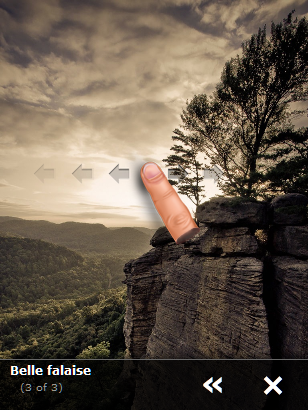
- Swipe left of right to navigate into an album
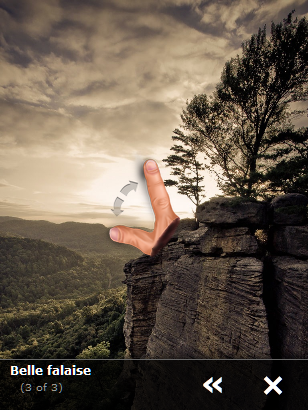
- Touch / Tap the image to zoom it and unzoom
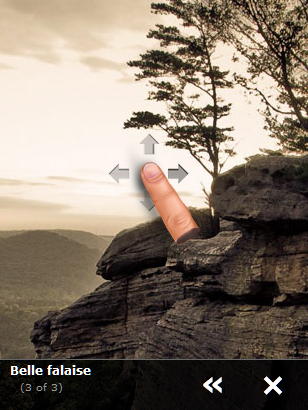
- Once zoomed, use your finger to move the image to see the details
Swipe left or right to navigate
Touch / Tap the image to zoom and unzoom
Use your finger to move the zoomed image
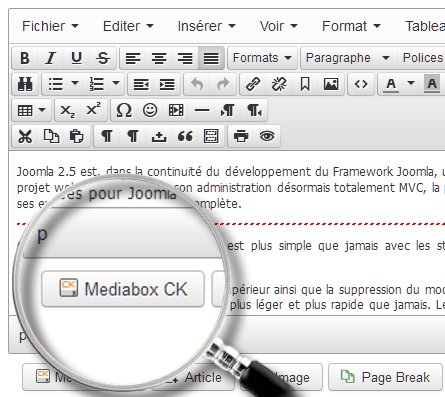
Editor button
Don't waste your time to look for the settings, just click on the editor button to open a popup. You will be able to set the image, media url of folder to load, the gallery mode, the dimensions ...
Using the editor button you can load the lightbox quickly in any editor where you want in your website. You will also be able to select an Image Effect CK directly in the list of available effects.
Custom settings
You can create multiple lightboxes and give them different settings for each one. You can set
source of the media
- width and height
- album to group the medias
- directory to load the images
- title and description
- effect name from Image Effect CK

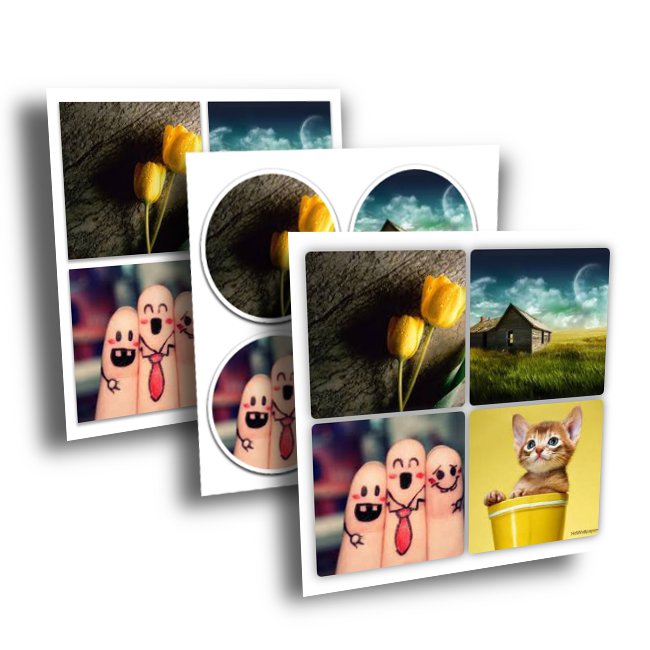
Image gallery
Select a folder, and load the images directly in your page without effort. You can use the plugin options to style the gallery dimensions, the overlay and the images. This is also compatible with Image Effect CK. All images will be automatically linked to the original image in the lightbox popup. The images in the gallery will use the lazy loading feature to improve your SEO (by reducing the page load).
Gallery with pagination
You can load a folder of images directly into a gallery, automatically. You can also setup your gallery to shown your images with a limited number at once and use a pagination system to navigate through all the pages of your gallery.



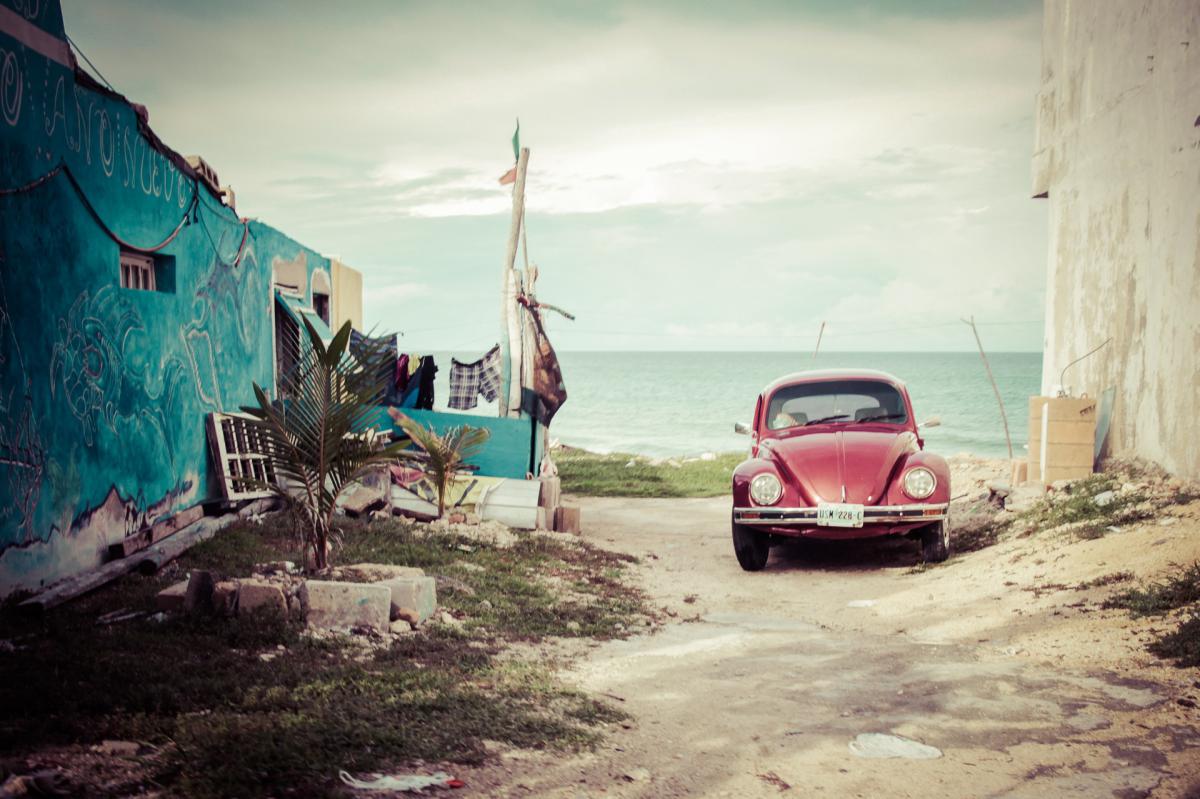
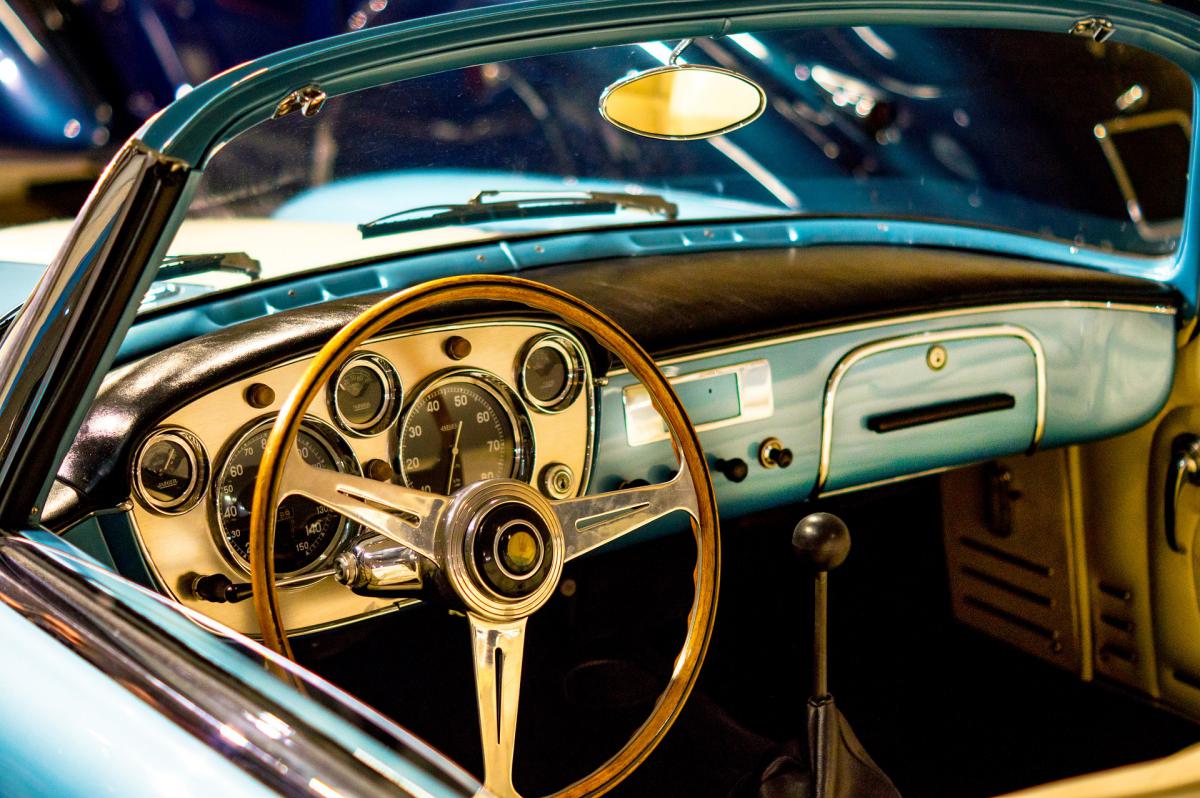

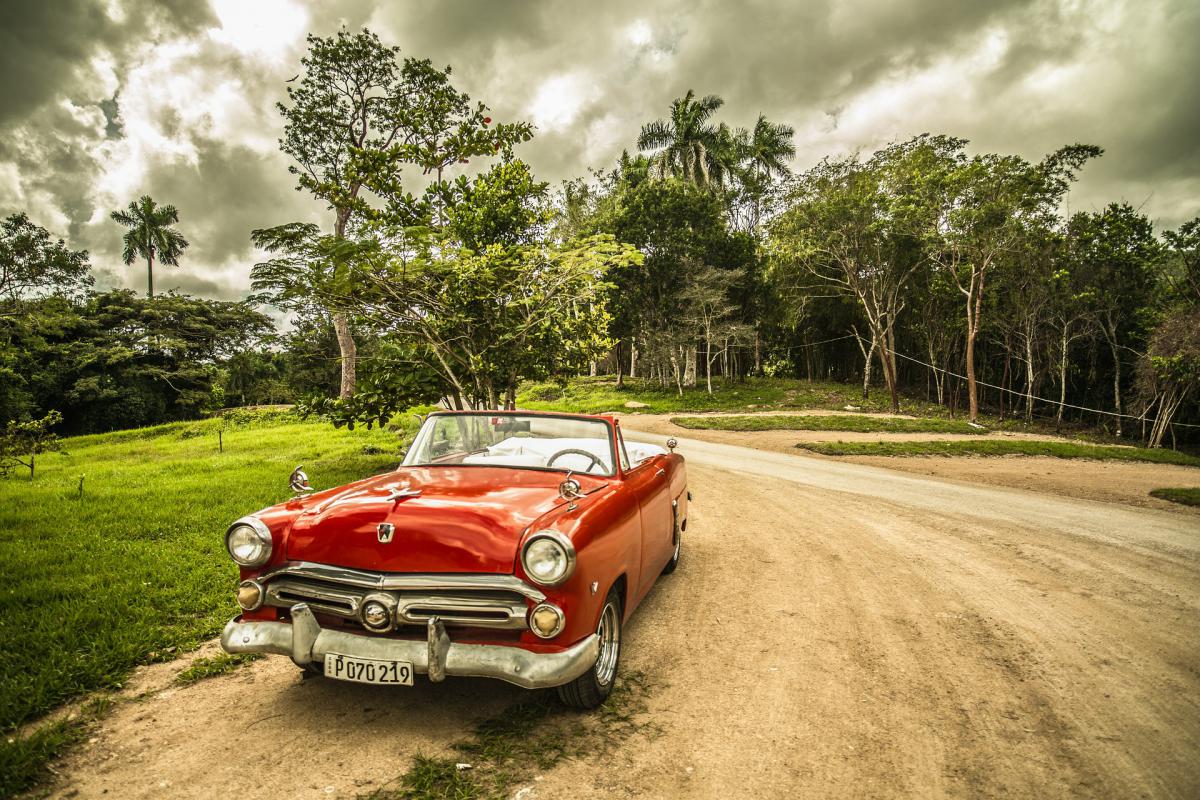
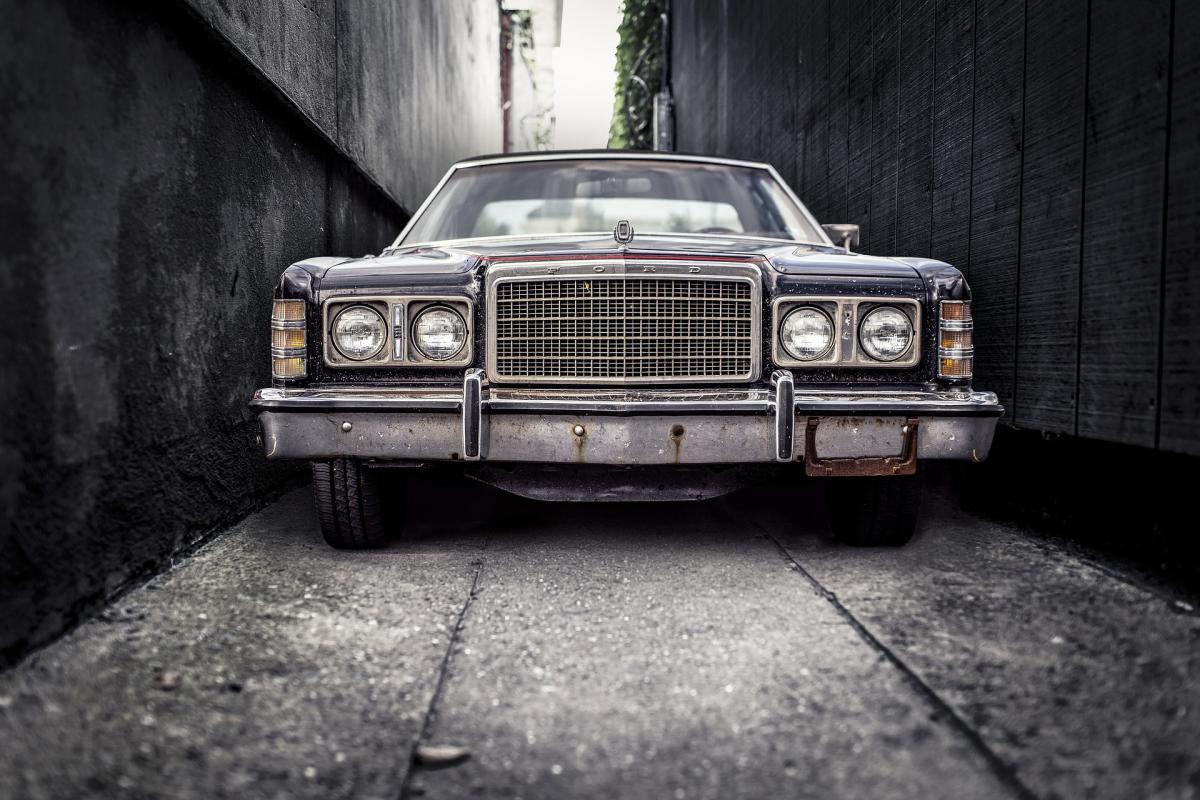
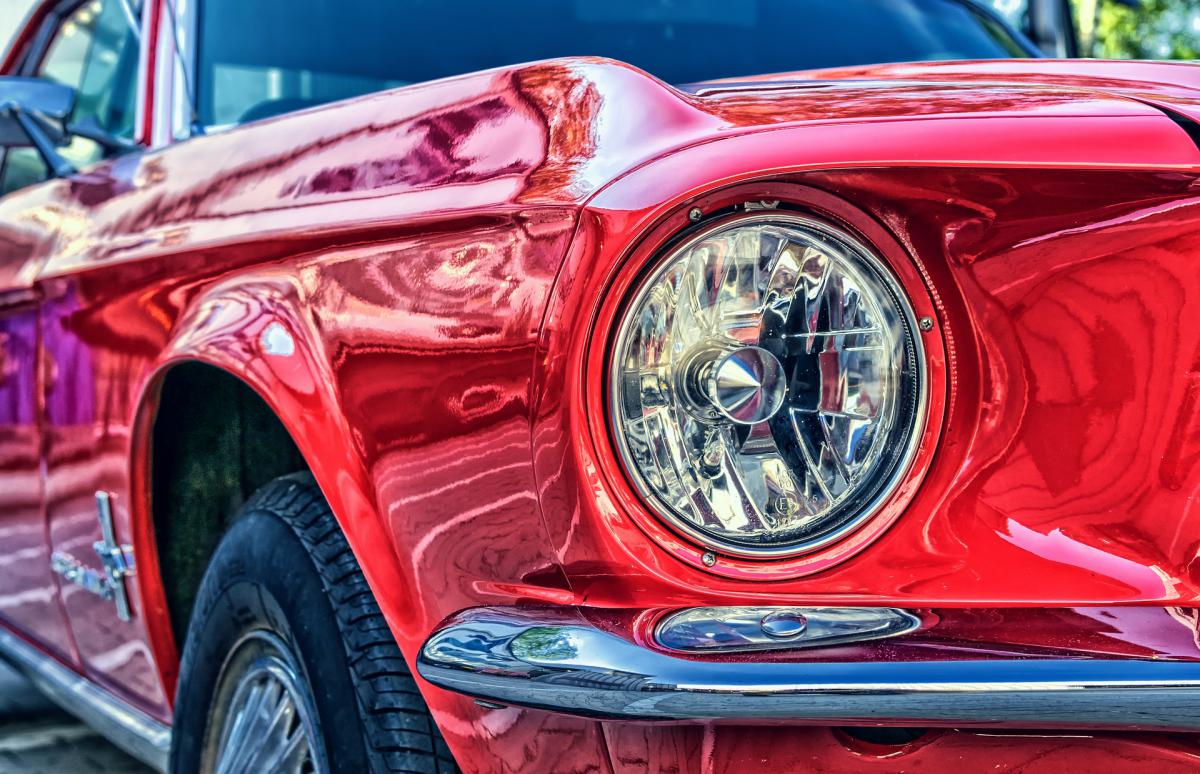



Share your medias
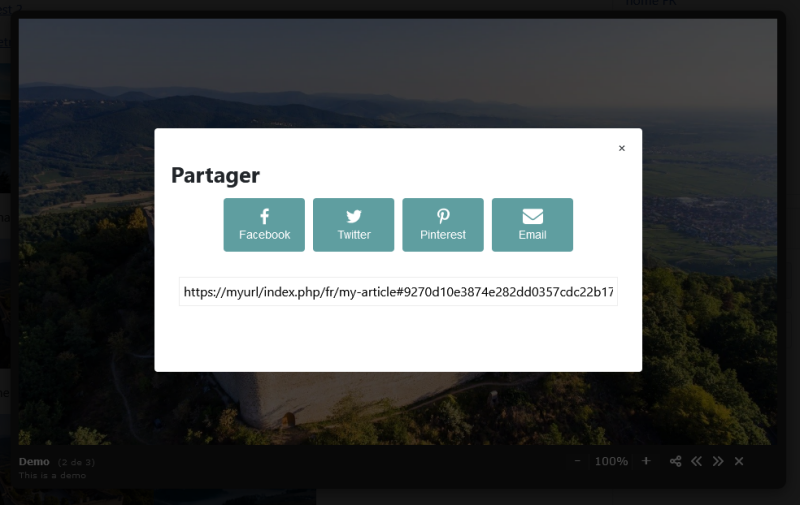
You can share your images and multimedia content thanks to an option that can be activated from the plugin options. Click on the share button to get a window that offers you to share your content on Facebook, Twitter, Pinterest or by email. You can also copy - paste the url to share it on any other social network.
Automatic Youtube video with thumbnail
You can automatically create a thumbnail of your Youtube video that will take place in your content. When the user click on the image, it will open the video in the Lightbox. This prevent you to do the process manually. Having an image instead of video directly in your content will save you some loading time abd give a better user experience.


Auto load on all images
You can enable the option in the plugin settings to automatically apply the lightbox to all images that are in your site content. You can apply it to all images, filter the selection by css class or filter all but not one css class.
Automatically replaces SIG
If you want to replace SIG (Simple Image Gallery), SIG Plus or SIGE, you can use Mediabox CK. Activate the option in the plugin and existing tags of type {gallery} will be automatically taken into account by Mediabox CK.

Light version
Can show any media : image, video, url, article
Responsive
Mobile behavior : zoom and pan with your fingers
Mobile detection
Album feature to group your medias
Fullscreen mode
Loop option
Toolbar enable /disable
Autoplay option
Zoom option
Styling options
Custom effects options : size and duration
Option to force the mobile behavior
Option to automatically apply the lightbox on all images
Compatible with Image Effect CK
Editor button : fast lightbox creation
Gallery mode : automatically load the photos
Styling options for the gallery
Share your medias
Automatic Youtube video with thumbnail
Automatic Simple Image Gallery (SIG) replacement
Forum support
Use on multiple domains
1 Year updates
Pro version
Can show any media : image, video, url, article
Responsive
Mobile behavior : zoom and pan with your fingers
Mobile detection
Album feature to group your medias
Fullscreen mode
Loop option
Toolbar enable /disable
Autoplay option
Zoom option
Styling options
Custom effects options : size and duration
Option to force the mobile behavior
Option to automatically apply the lightbox on all images
Compatible with Image Effect CK
Editor button : fast lightbox creation
Gallery mode : automatically load the photos
Styling options for the gallery
Share your medias
Automatic Youtube video with thumbnail
Automatic Simple Image Gallery (SIG) replacement
Forum support
Use on multiple domains
1 Year updates
Vote for Mediabox CK in the JED
- [Pro] Add auto detection of the image size from the attributes to resize it automatically to the desired dimensions
- [Pro] Add root folder option for the SIG compatibility
- Fix issue with the autoload feature
- Fix issue with Joomla 3
- Add compatibility with Joomla 5 native (without the compatibility plugin)
- Add option to use an image in the overlay
- [Pro] Add option to automatically create thumbs for all images used with Mediabox CK
- [Pro] Add option to manage the image quality for the thumbs that are created automatically
- Add compatibility with PHP 8.2
- Fix language issues
- Add option for the autoload to group the images into an album
- Add feature to automatically use the image alt as title and description in the lightbox (when using the autoload feature)
- Fix issue with attribute type and name
- Fix another issue with the automatic loading option
- Fix issue with the automatic loading option
- New option to automatically apply the lightbox on all images, or filtering by css class
- [Pro] New option to automatically manage the SIG tags : migrate from Simple Image Gallery to Mediabox CK
- Fix the window scroll when the lightbox is opened
- Add option to automatically load a Youtube thumbnail with video
- Add ability to add a description on video in gallery mode, using the labels.txt file
- Fix issue with thumbnail creation and video
- Fix issue with click on next/prew button when image is zoomed in
- Fix issue with click on an image that is zoomed in
- Fix issue with quote in the code
- Add scrollbar to the zoomed image
- Fix code issue
- [Pro] Add new option to share the media
- Add new theme option with new Theme 1
- Replace icons with svg
- New feature to automatically display an image on page load in the lightbox using a hashtag (see the share option)
- [Pro] Fix issue with the gallery display on multiple lines
- [Pro] Add options to have a flexible gallery, settings by number of columns
- [Pro] Improve the editor button to have the pagination option
- [Pro] Add feature to scroll and pan with the mouse over the image when the zoom is enabled
- [Pro] Add compatibility with MP4 video in the gallery mode
- Fix issue with the zoom effect where the image was out of the visible area
- [Pro] Add an option to enable the chararcter encoding
- [Pro] Fix issue with number of images limited to 4 by default
- [Pro] Fix issue with chararcter encoding
- Remove old Flash player references and files
- [Pro] Add pagination and navigation for the gallery
- [Pro] Add sort option asc or desc for the gallery
- Add compatibility with webp images
- [Pro] Add width and height attribute on the images (fix issue with lazy loading in chrome)
- [Pro] Fix warning with PHP 8
- Add compatibility with Joomla 4
- Add option to set the size of the controls (in plugin styles options)
- Add lazy loading for images in gallery mode (speed improvement for SEO)
- Fix issue with preview of png image in the editor
- Fix issue with CSS when using Image Effect CK
- Add compatibility with Watchful update
- [Pro] Add session option to setup the number of times the popup shall open
- [Pro] Add fadeout option to setup the time before the popup closes automatically
- Add Joomla 4 compatibility
- Fix issue with video controls under the navigation bar on mobile
- Added fullscreen option
- Fix JS issue when using lightbox in Slideshow CK
- Fix JS issue from the 2.3.0 version
- Add new option for zoom +/- on the image, on desktop
- Update the script to remove it from the jQuery object dependance
- [Pro] Update the html code of the gallery to make it compatible with the flip effect from Image Effect CK
- [Pro] Add option to autocreate thumbs
- [Pro] Fix issue with editor button not working
- [Pro] Make it compatible with the Image Effect CK custom styles
- Create new Light / Pro packages
- Add feature to translate the counter of images
- Add fullscreen option on Vimeo video player
- Fix issue with Vimeo video player
- Fix issue with Vimeo video
- Add option to autoload, to automatically open the popup on page load
- (version removed)
- Fix issue with media called from external url
- [PRO] Add video link usage in gallery mode if it has the same name as the image
- Update JS attribute to data (internal changes)
- Fix issue with frontend edition
- [PRO] Fix an issue with Chrome browser when no editor is focused
- [PRO] Fix an issue with frontend edition in the editor
- [PRO] Add compatibility with frontend edition using Community Builder
- Fix an issue with Vimeo videos
- Add the option to force the mobile display on all devices
- [PRO] Add the option order=labels to sort the images from a folder according to the order in the labels.txt file
- [PRO] Fix an issue with number of thumbs
- Fix an issue with iOS and link shown instead of the video
- Compatible with HTTPS
- Fix an issue with text not showing
- Fix an issue with the diaporama autoplay
- Add IE compatibility to fix the images distortion in gallery mode
- Fix an issue with the number of thumbnails that limited also the number of images
- Fix a css display issue in gallery mode with too much space between images
- New Touch Mobile behavior : Zoom the image with pinch (2 fingers)
- [PRO] Add feature to use a labels.txt file to write the images title and description in gallery mode
- [PRO] New rendering for html code to be more versatile
- [PRO] Add compatibility with Image Effect and the gallery mode
- [PRO] Add option nb=x to limit the number of slides in gallery mode
- [PRO] Add option random=1 to show the images in random order in gallery mode
- [PRO] Updated to use the CKBox modal for the editor button
- Added option for diaporama autoplay
- Enable fullscreen for youtube videos
- Fix box size issue with youtube videos
- [PRO] Allow accent in the folder and images path
- Compatible with Joomla! 3.5
- Update to be compatible with PHP7
- Fix an issue with video on iPad
- [PRO] Fix an issue with tag parameters






News